Turn Facebook Leads Into Customers, Automatically
Connect your Meta Lead Ads and every Facebook lead pulls into 91Leads on its own, auto-assigned to your team and ready for follow-up.
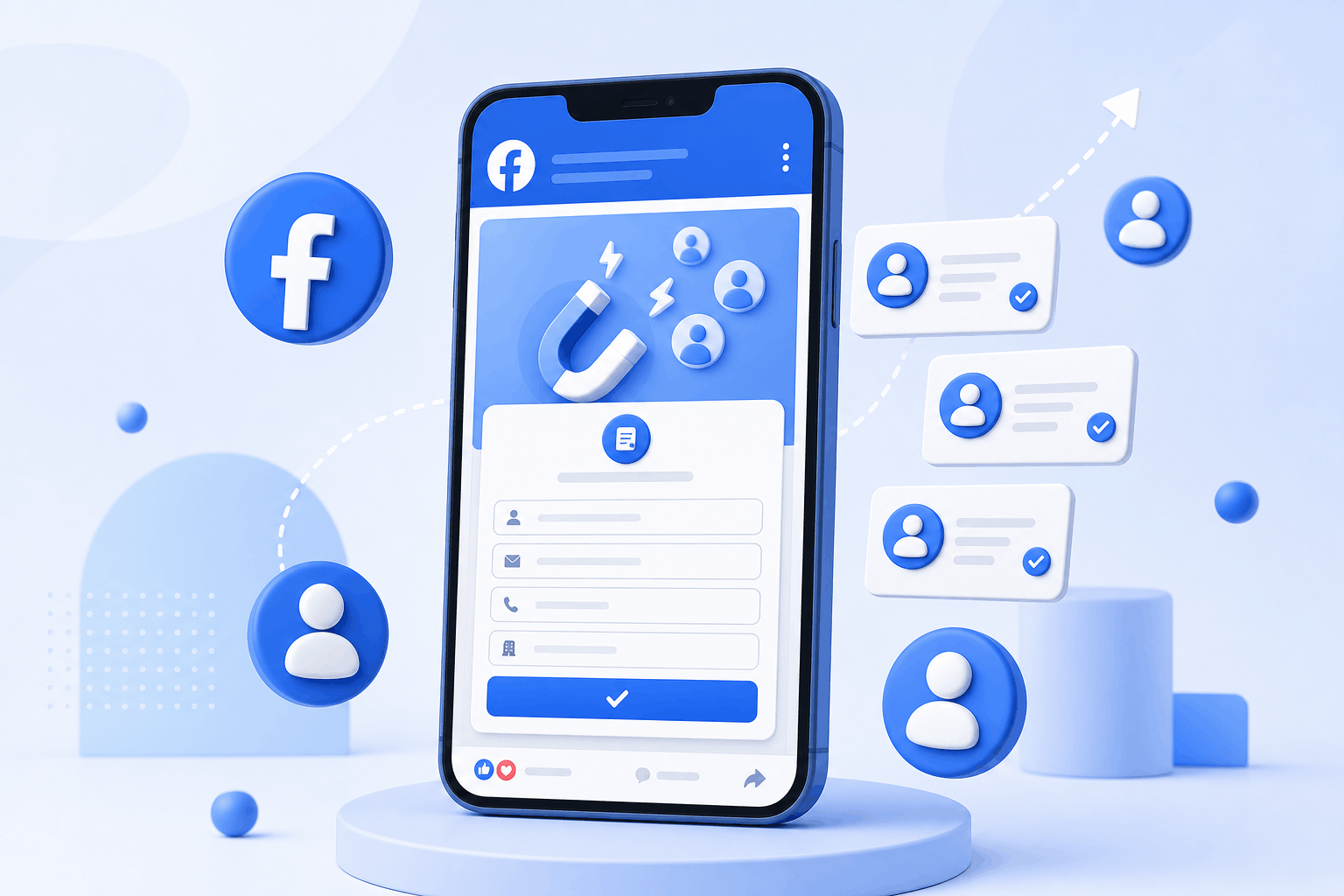
How the Meta Integration Works
Connect once and your Facebook leads keep flowing in. No manual downloads, no CSV files, no copy-paste. Here is the whole journey from a Facebook form to your team.
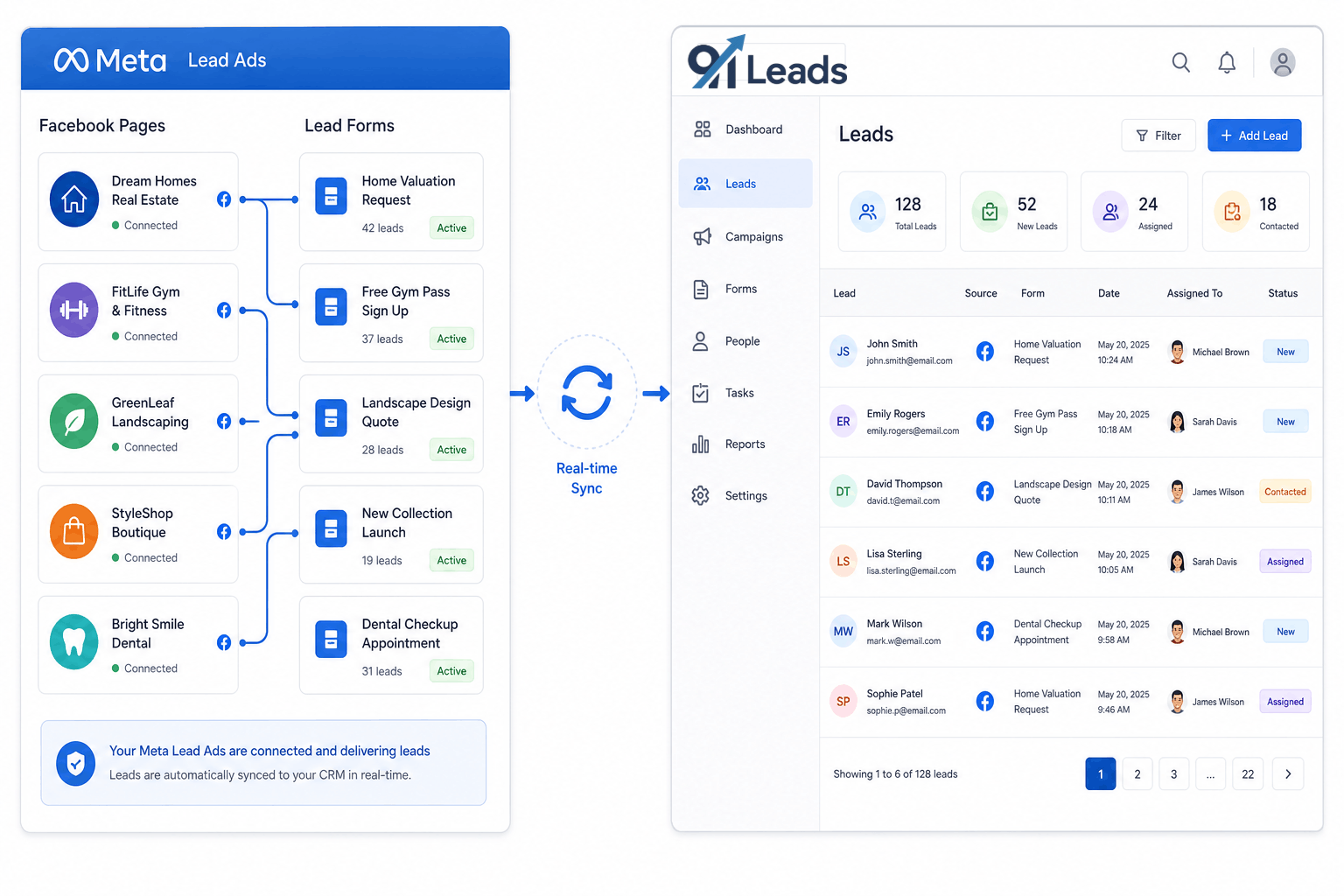
1. Connect pages & forms
Log in with Meta and connect multiple Facebook pages and lead forms in a few clicks.
2. Leads pull in
Every new lead syncs into 91Leads in real time, tagged with the page and form it came from.
3. Auto-assign to team
Assignment preferences send each lead to the right team member, ready for follow-up.
Everything You Need to Manage Facebook Leads
From the moment a lead fills your Facebook form to the day they become a customer, 91Leads keeps the whole journey in one place.
Multiple Pages & Forms
Connect all your Facebook pages and every lead form to one CRM. No matter how many campaigns you run, the leads land together in a single, clean list.
Automatic Lead Assignment
Set your assignment preferences once and every lead is auto-assigned to the right team member instantly, so follow-up starts while the lead is still warm.
Timely Follow-Ups
Your team gets reminders to follow up and can update each lead's stage as it moves forward, so no Facebook lead is ever left sitting untouched.
Source Tracking
See which page, form and campaign brings the most leads, so you know exactly where your best business is coming from and where to spend more.
Conversion Tracking
Track how many Facebook leads turn into customers and measure your real return on ad spend, not just the number of leads you collected.
Custom Fields & Reports
Customise your lead fields, columns and tracking reports to match how your business works, so the CRM fits your process instead of the other way around.
Why Faster Facebook Follow-Up Means More Profit
You already pay for every Facebook lead. The money is made in how quickly and how well you follow up. Here is what changes when leads stop slipping away.
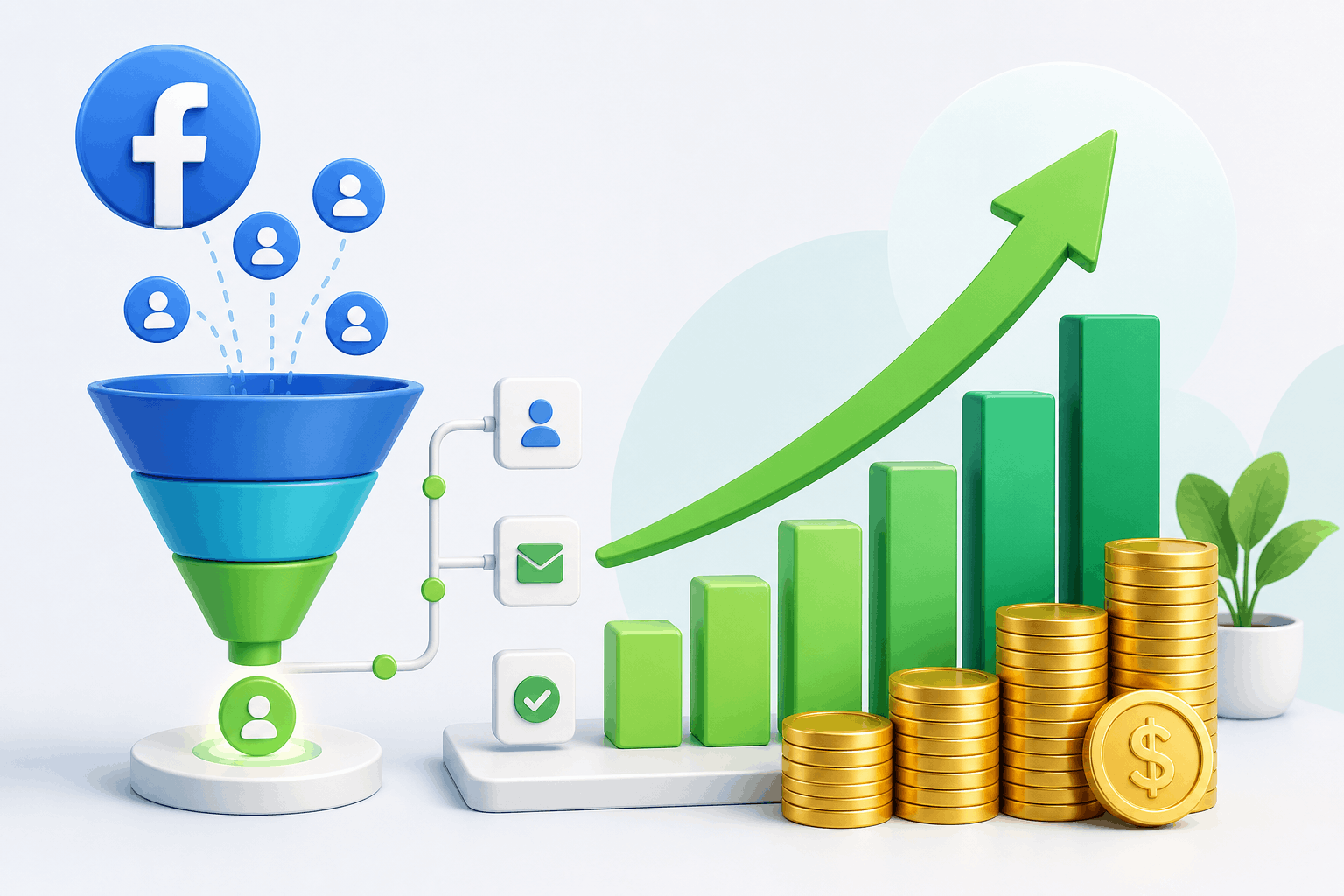
Respond in minutes, not hours
Auto-assignment means a real person reaches out while the lead still remembers your ad, which lifts conversions.
Stop wasting ad spend
No lead is lost in a spreadsheet, so every rupee you spend on Facebook ads has a real chance to convert.
Double down on what works
Source and conversion tracking show your best-performing campaigns, so you can invest where the profit is.
Facebook Leads CRM FAQs
Common questions about connecting Meta Lead Ads to 91Leads CRM and managing your Facebook leads.
You log in with Meta, choose the Facebook pages and lead forms you want, and connect them. Once connected, every new lead from those forms flows into 91Leads automatically, with no manual downloads or CSV uploads.
Yes. You can connect multiple pages and multiple lead forms at once. Leads from all of them land in one place in 91Leads, each tagged with the page and form they came from.
You set assignment preferences, and every new lead is auto-assigned to the right team member the moment it arrives. Your team can start following up immediately instead of waiting for someone to share the lead.
Yes. 91Leads tracks leads by source, so you can see which page, form or campaign is bringing the most leads and which is converting best, and spend your ad budget where it actually works.
Yes. As your team updates lead stages, you can track how many Facebook leads turn into customers, so you always know your real return on ad spend.
Yes. You can customise your lead fields and columns and shape your tracking reports around how your business works, so the CRM fits your process instead of forcing you to change it.
Stop Losing Facebook Leads to Slow Follow-Up
Connect your Meta Lead Ads to 91Leads, auto-assign every lead, and turn more of your ad spend into real customers. Try it free for 7 days.